
How to Email a Submission to the EPA against King Salmons Application
These are more detailed to help you download and submit a submission.
If it still doesn’t work for you you can get a real paper copy, with pertinent issues highlighted by contacting the Guardians of the Sounds.
Click to download a submissions form from here
[wpfilebase tag=file id=3 tpl=simple /]
Click the images below to enlarge them to a readable size.
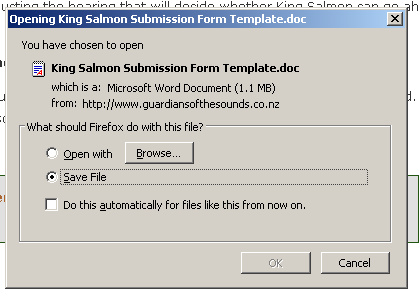
Download Window
Choose a good place to save it on your computer so you can find it easily
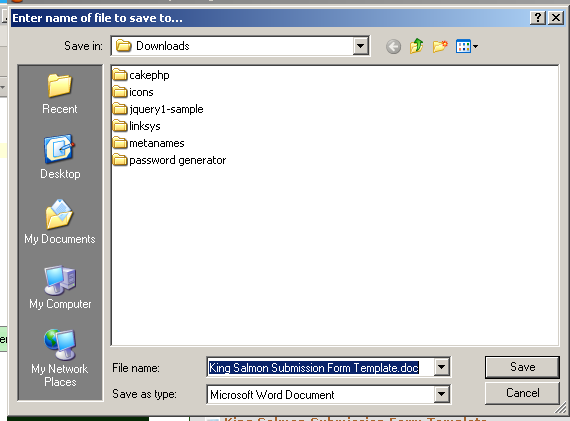
Save File Window
Open the file in your favourite word processor and look for the grey boxes where you can put your own information.
When you click on a grey box another box appears in which you can type your information or simply edit existing information.
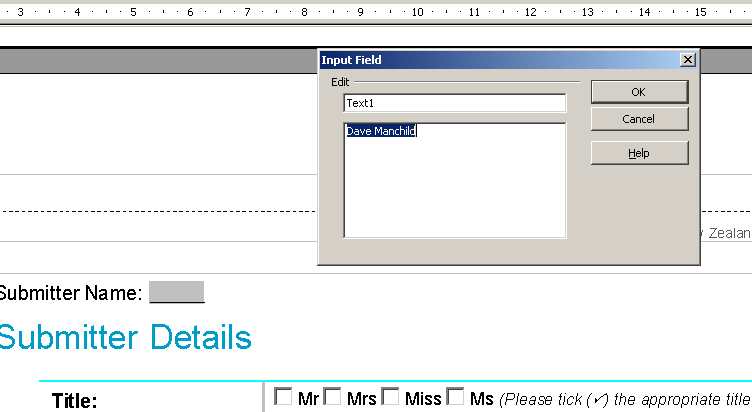
Add your name
You can also click on the reasons for your objection list and edit it as required by adding or deleting items in the little text box.
When you click “OK” your changes will be saved to the document:
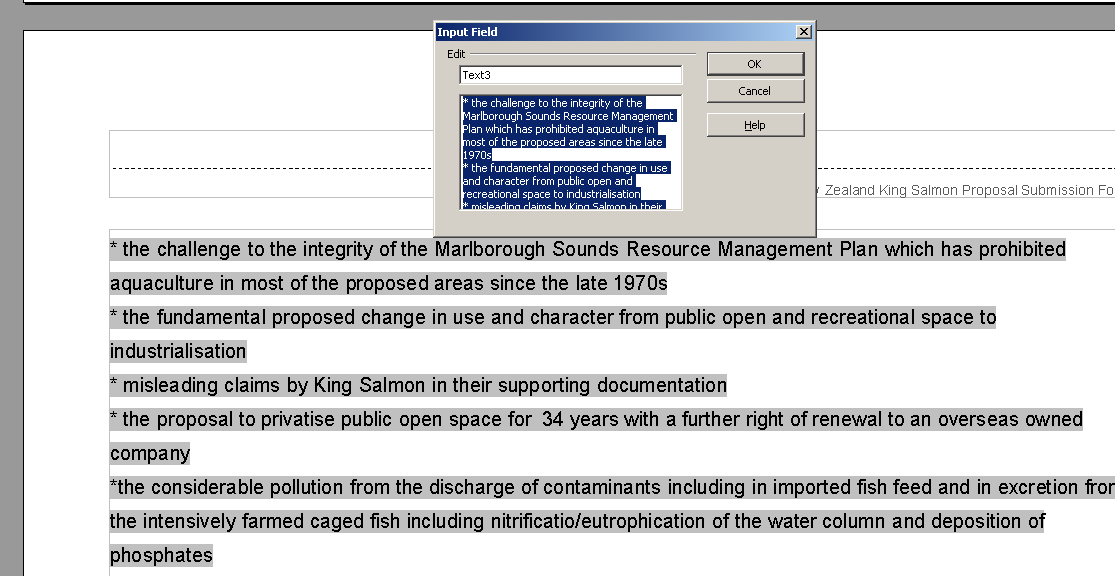
Edit Reasons for Objection and click OK
Save your changes and create a new email addressed to
kingsalmon@epa.govt.nz by clicking on this link.
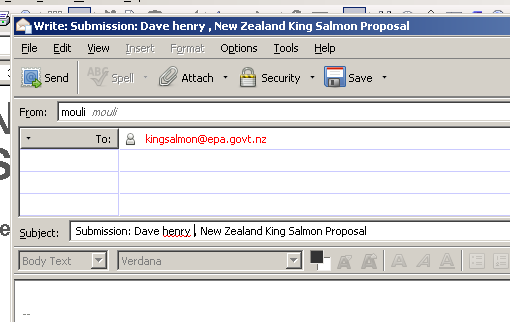
Create New Email
and dont forget to sue the “attach” button to attach your submission form to your email:
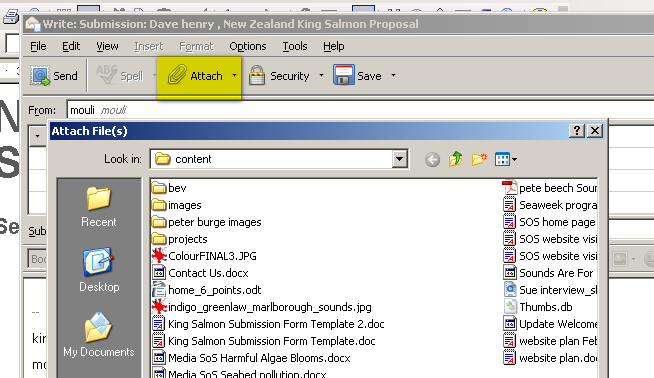
Attach your submission to the email
Do the same to send a copy to King Salmon at
james.gardner-hopkins@russellmcveagh.com
and you are done!
Many thanks for your support.